POS for Agent Banking (CICO) & Mobile Phone Shop
Agent banking businesses (cash-in/cash-out) and mobile phone shops handle many transaction types every day: cash withdrawal, cash transfers, top-ups, bill payments, and physical product sales. MAXsi POS helps you record everything consistently so cash balance, fees, and reports are easier to monitor daily.

Why Agent Banking (CICO) & Phone Shops Need a POS
When you serve both cash services and product sales, small mistakes add up: fees mix with sales revenue, transfers get mixed with cash, and end-of-day reconciliation becomes stressful. A POS helps ensure every transaction is recorded with the right method and the right breakdown.
Common Problems
- Cash differences between cash and transfers
- Service fees/admin charges mixed with product sales
- Daily recap for cash services and digital products is slow
- SIM cards, vouchers, and accessories stock is not tracked
Clean, Practical Recording
With structured recording, you can review transactions quickly when something doesn’t match, run simple daily audits, and keep cash position and service income under control.
Core Features for Agent Banking (CICO)
MAXsi POS supports agent banking (CICO) workflows—similar to local agent networks in many countries (for example BRILink in Indonesia). Transactions can be recorded cleanly and kept separate from retail sales so you can monitor cash balance and fees without confusion.
CICO Transactions
Cash Withdrawal
For cash withdrawal, the system records the cash-out amount as a reduction of cashier cash balance. Fees are recorded separately as service income, so your operational cash stays accurate and fees don’t mix with principal.
Cash Transfer / Cash-In
For transfers or cash-in, the cash received is recorded correctly, while fee/admin is tracked as income. Each transaction is saved with clear notes for daily or monthly checks.
Recap & Audit
Daily/weekly recaps help you audit cash: compare system balance with physical cash, detect differences earlier, and track total fees within a period.
POS Screenshots
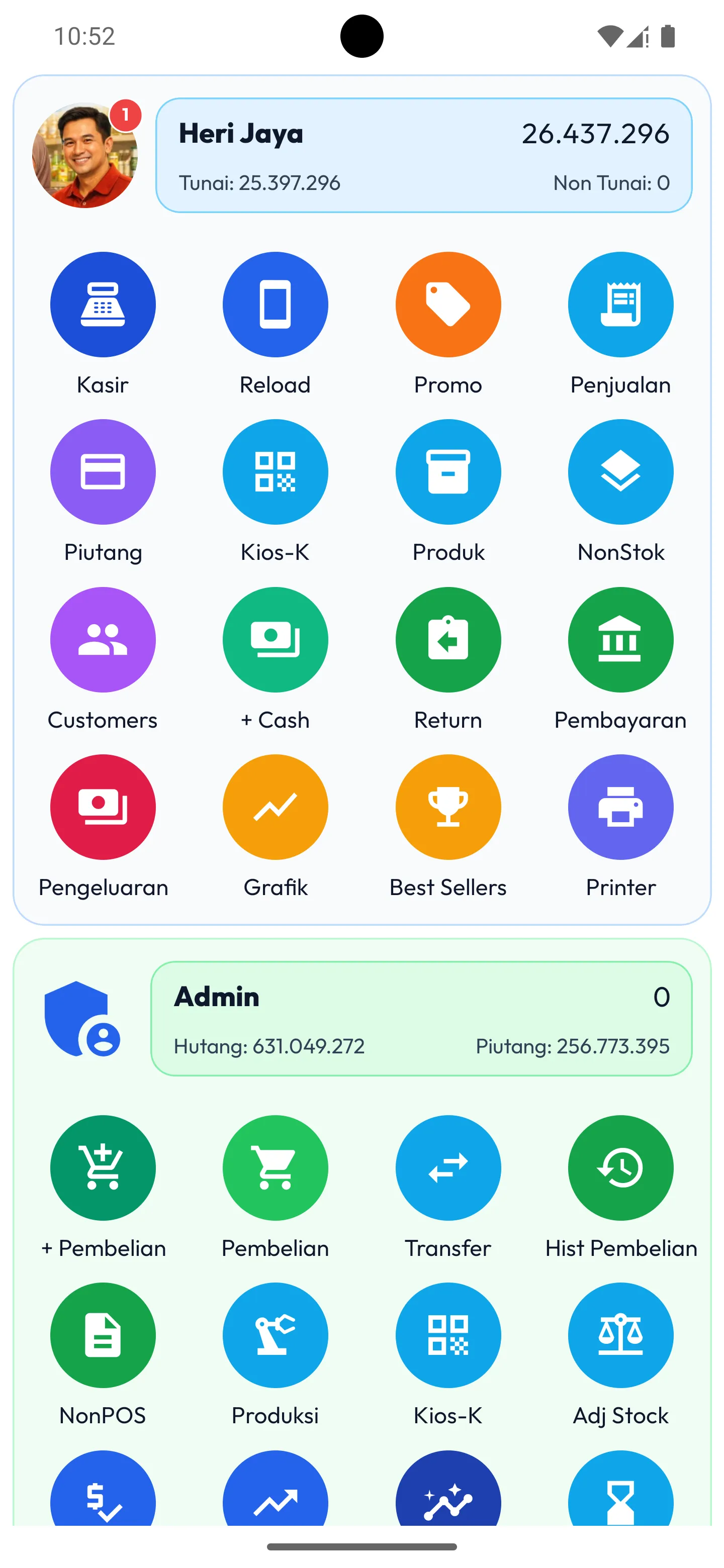
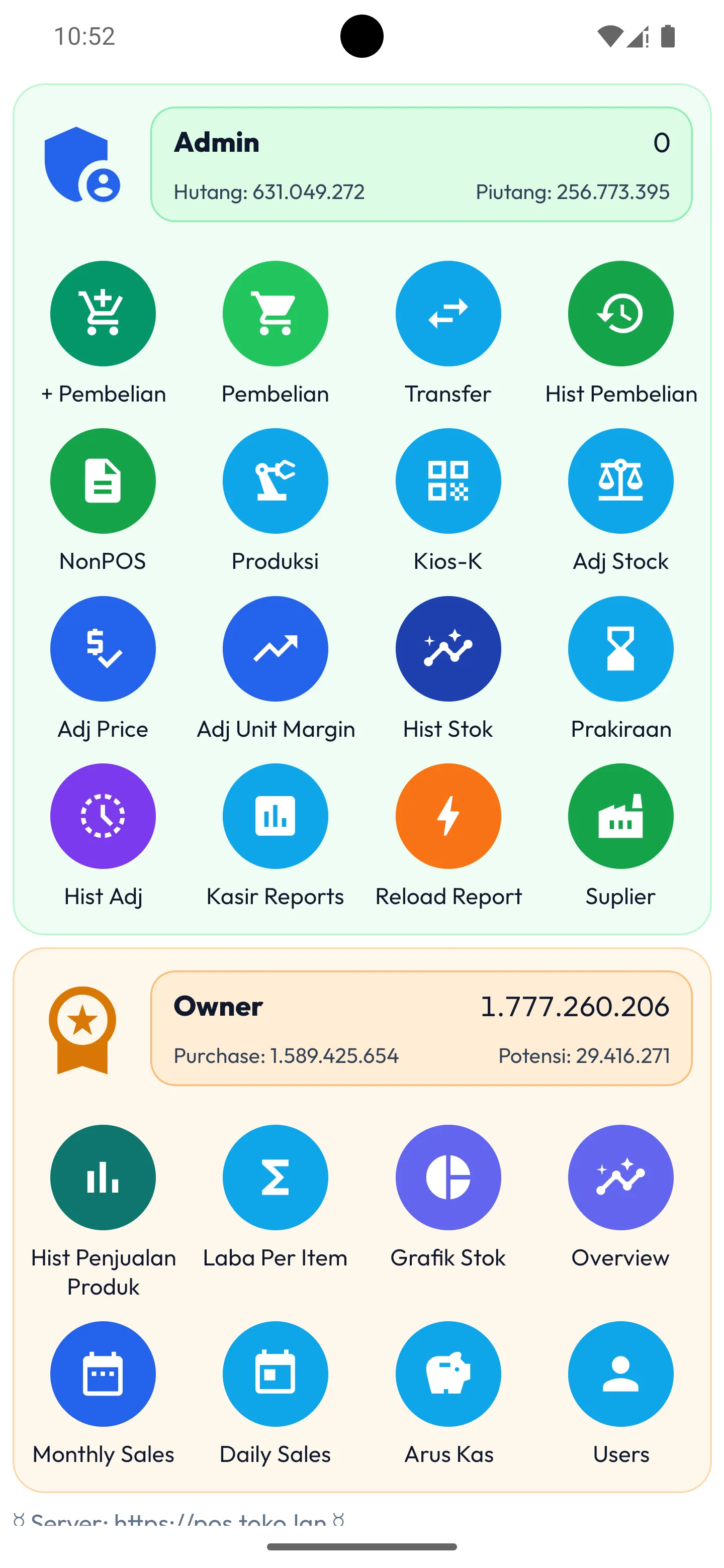
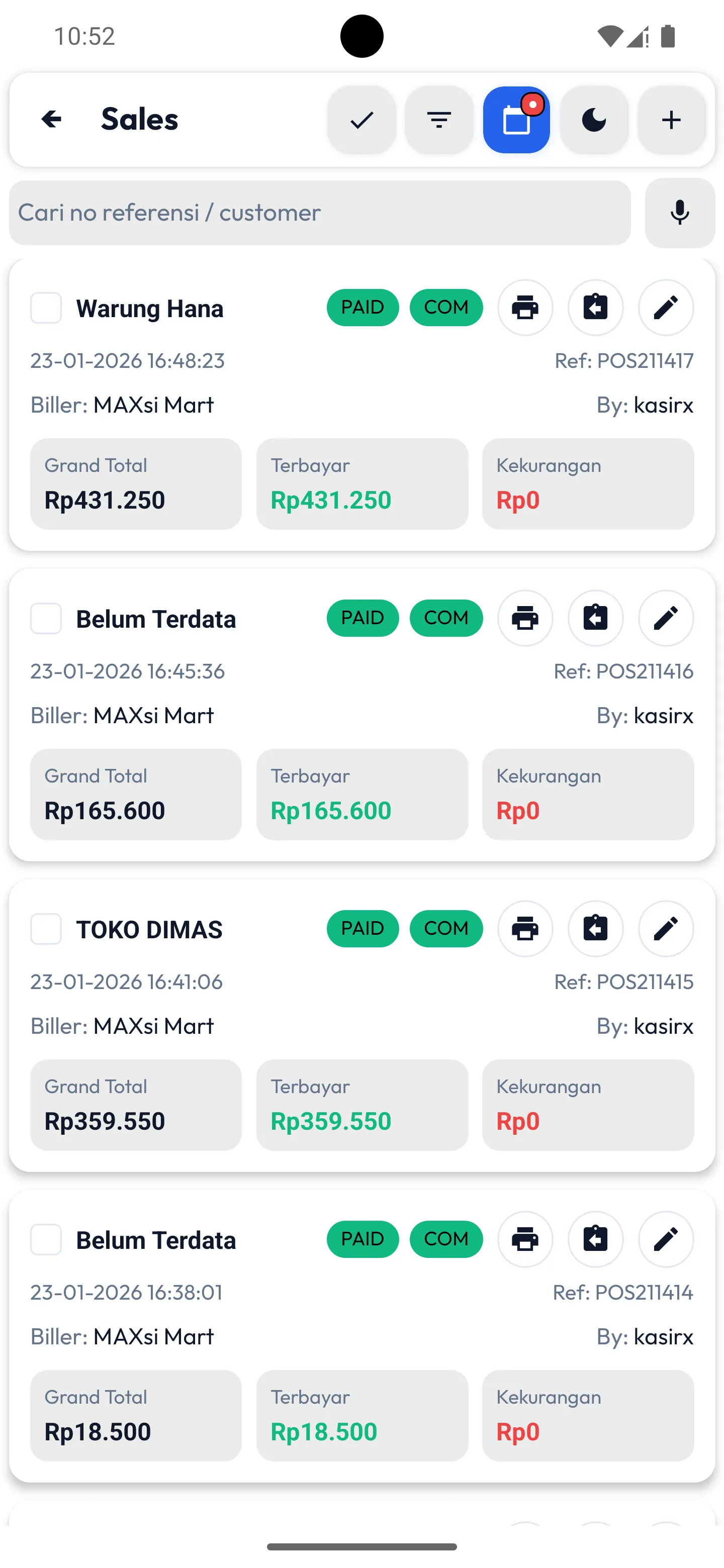
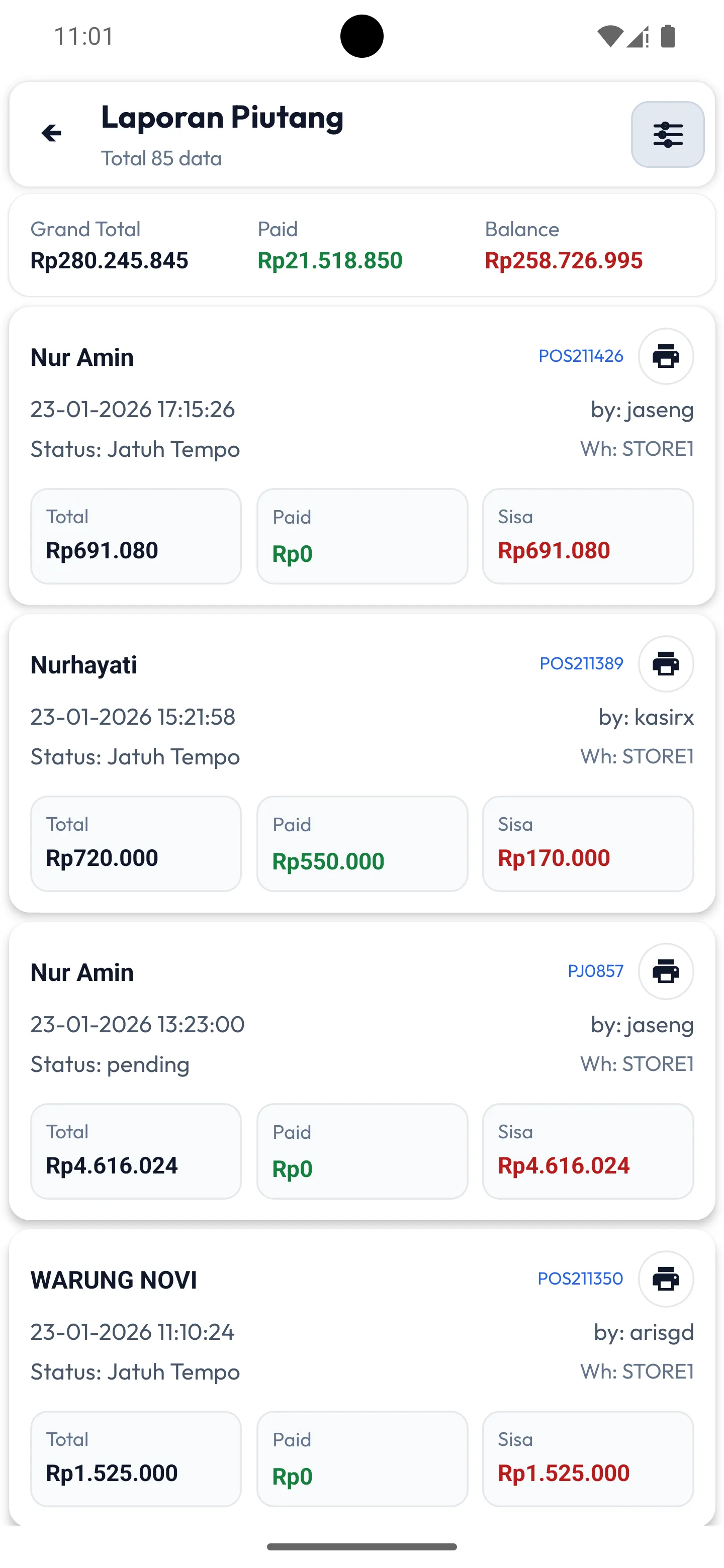
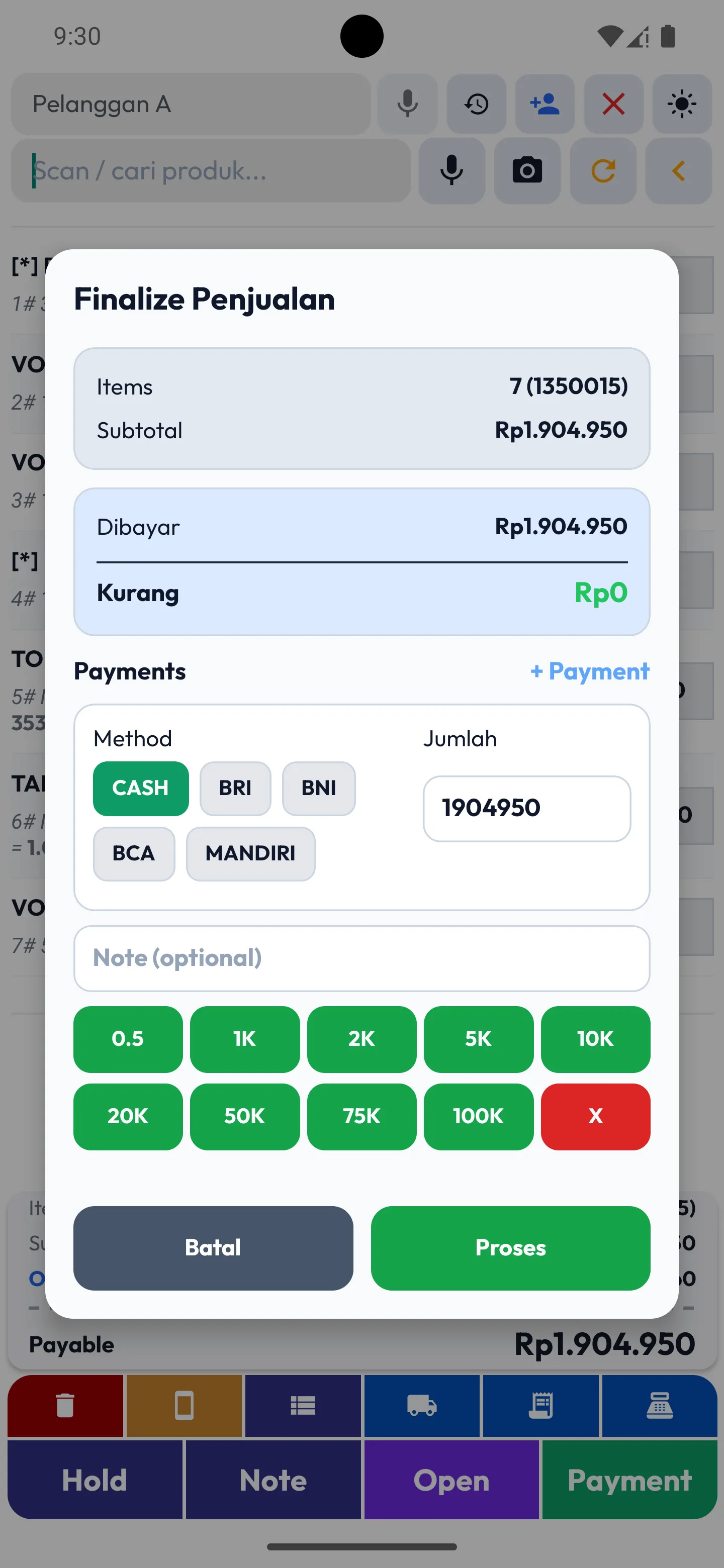
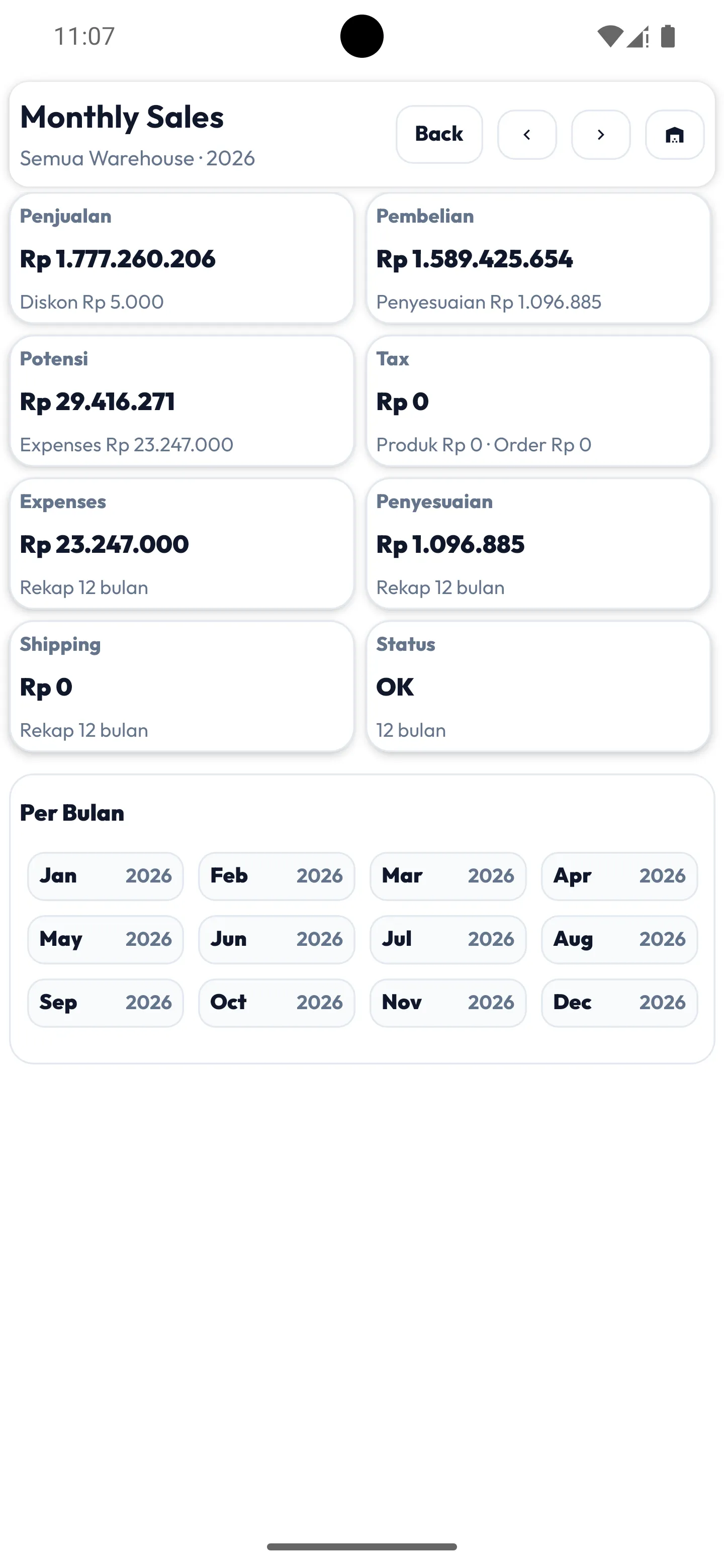
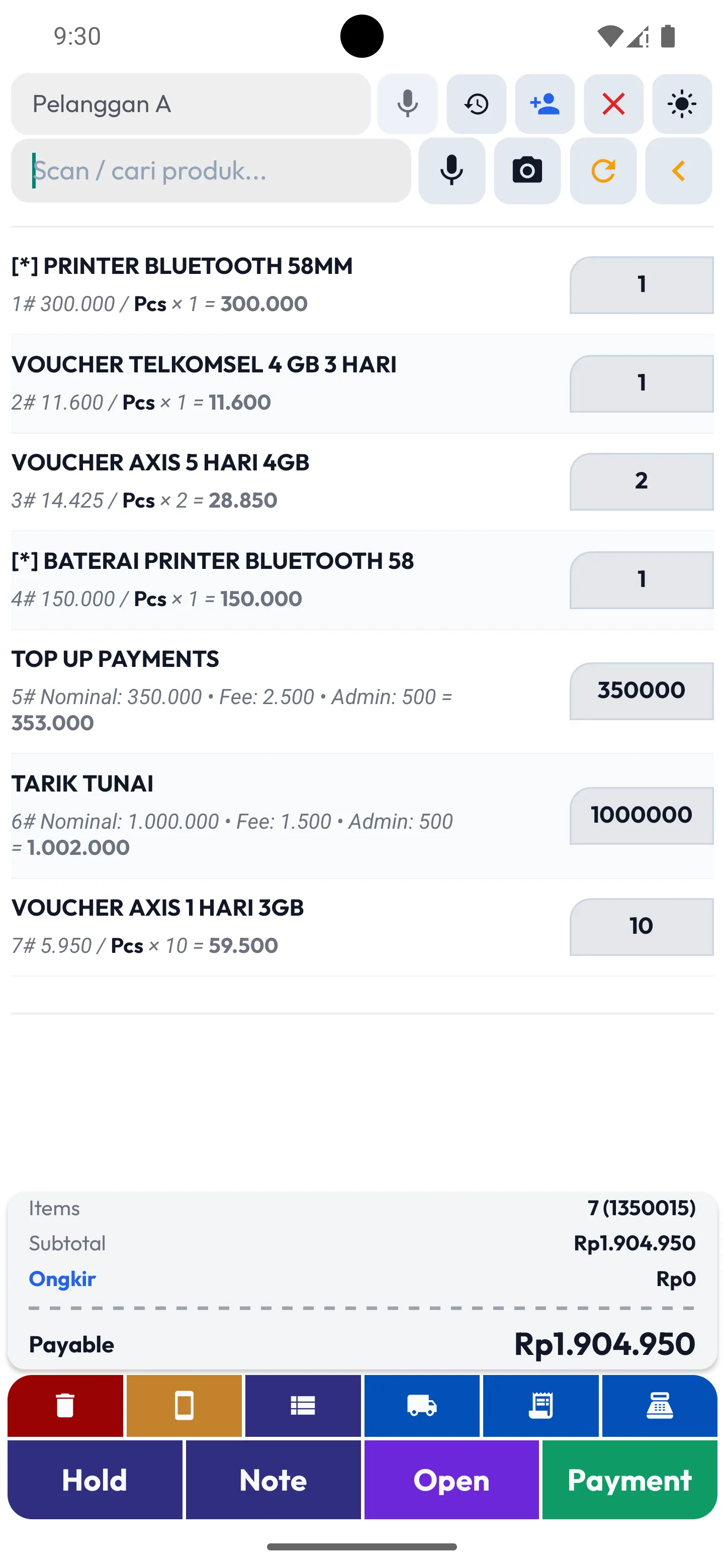
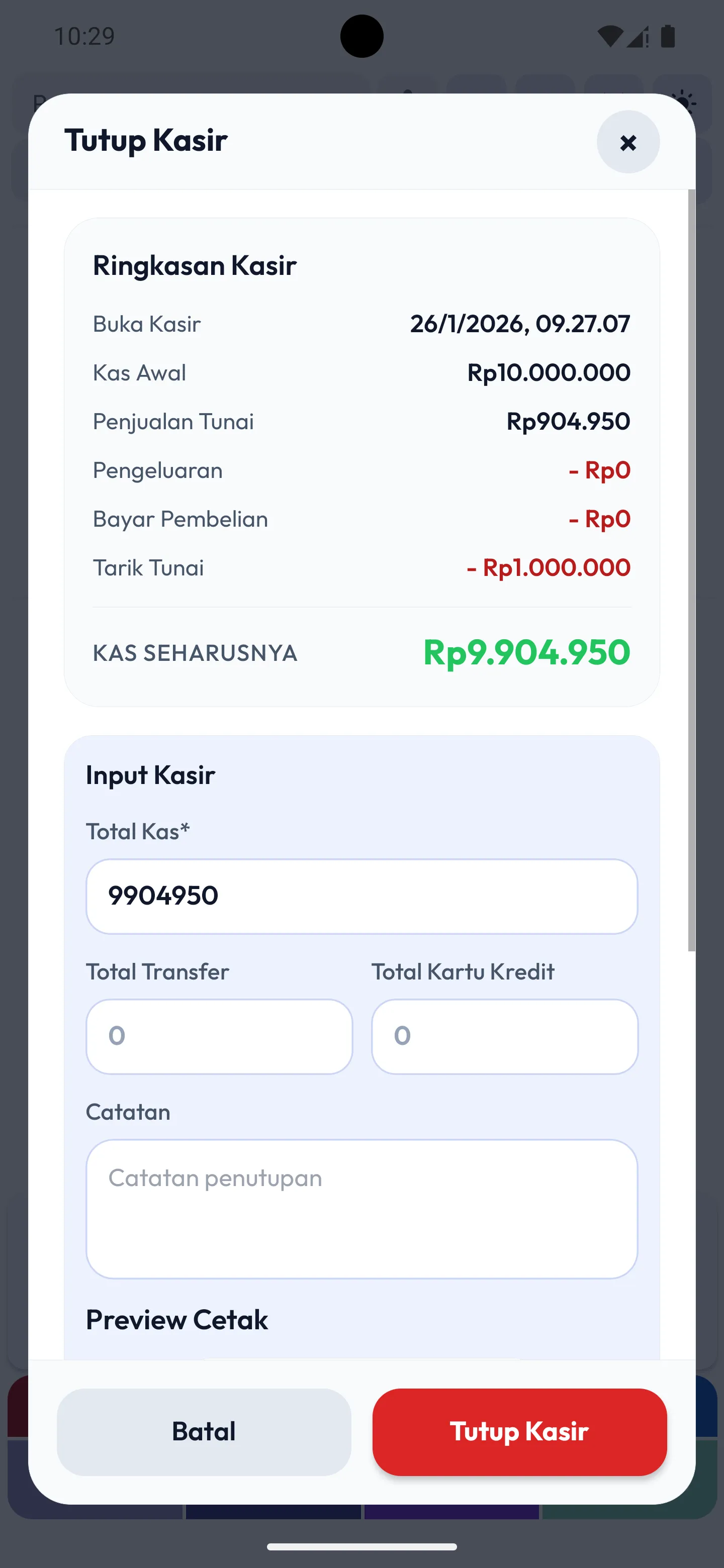
Screenshots to help you imagine the workflow for cashier operations, stock, and reports.
Core Features for Mobile Phone Shops
MAXsi POS helps mobile phone shop owners record digital services and physical product sales separately. With a clearer structure, working capital won’t get mixed with profit, so cash flow and store performance are easier to control.
Digital Products (Airtime, Data, Bills)
Cost vs Fee Separation
For digital products, MAXsi POS records cost based on your provider balance or buying price, while the difference between selling price and cost is tracked as fee/profit. This helps you see working capital, daily fee totals, and net profit without manual calculation.
Transaction History & Disputes
Each airtime/data transaction is saved with time, amount, and destination number. This helps when there’s a complaint, refund request, or a pending transaction you need to check.
Physical Products (Phones, Accessories, SIM Cards, Vouchers)
Stock & Pricing
For physical goods like accessories and SIM cards, MAXsi POS tracks stock in/out automatically. You can set prices by product type or target margin, helping you monitor stock, revenue, and profit more consistently.
Daily Operating Flow
A consistent daily flow helps owners control cash, stock, and transactions with less stress. When you follow the same steps, the risk of differences and recording mistakes becomes smaller.
Open Register
Enter opening cash based on the physical cash in your drawer. Use “Add Cash” if you add additional float. This sets the correct starting position before transactions begin.
During Transactions
Use product search or barcode scan to speed up sales entry. Confirm amount, fees, admin charges, and payment method before saving each transaction.
Close Register
Reconcile system reports with physical cash. If there’s a difference, note it and trace it using transaction history so the issue can be fixed early.
Frequently Asked Questions
Can it work offline without internet?
No. The app requires an internet connection because data is synced to the cloud in real time for accuracy.
Where is my data stored?
Transactions, stock, and reports are stored securely in the cloud. Your data won’t be lost even if the phone is damaged or replaced, as long as you use the same account.
Is my data safe?
Yes. Each store has its own account and access. Only permitted users (owner/cashier) can view and manage the store’s data.
Is it difficult to use?
No. The app is designed with a simple interface and an easy workflow, even for first-time POS users.
Can I use it on more than one phone?
Yes. Store data can be accessed from multiple devices based on assigned permissions, so owners and cashiers can work together.
Start Using MAXsi POS
Run your agent banking (CICO) services and mobile phone shop with cleaner records and better control. MAXsi POS helps you record transactions, manage stock, and monitor profit more confidently.