POS for Grocery Stores & Mini Markets
MAXsi POS is a POS for grocery stores and mini markets that helps you record daily sales, control fast-moving inventory, and keep reporting clean and easy to review.
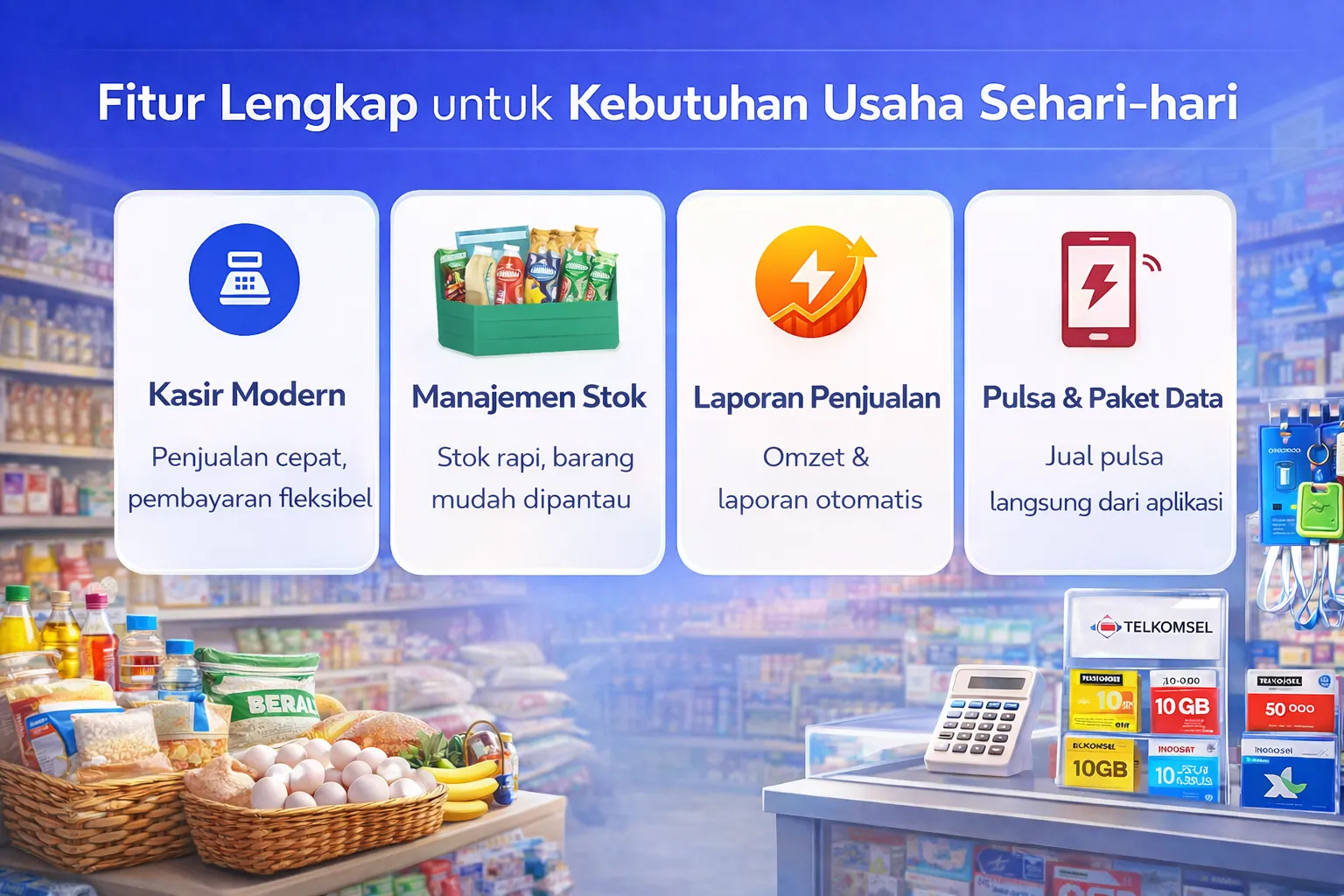
Daily Challenges in Grocery & Mini Market Operations
In grocery stores and mini markets, transactions are fast, product count is high, and prices change frequently. Without a reliable system, operations can feel exhausting and hard to control.
Here are common issues many stores face:
- Fast-moving stock runs out (rice, oil, sugar) without anyone noticing
- Buying/selling prices change, so margin becomes hard to monitor
- Cash or stock discrepancies (missing items) are difficult to trace
- Owners need concise reports for daily decisions
Solution: A Proven POS for Grocery Stores and Mini Markets
MAXsi POS has been used since 2018. It helps cashiers work faster while owners keep control of inventory, sales, and summary reports (including profit/loss insights when there are discrepancies). You can start from an Android phone and gradually organize your product data without disrupting daily operations.
Losses are a classic challenge in grocery retail. Even with strict procedures, missing items can still happen. Without a smart system, it’s hard to prove where the leakage happens—manual counting is painful, and when it’s not counted at all, everything looks “profitable” while the real capital is shrinking.
Minimizing Losses in Grocery & Mini Market Stores
MAXsi POS includes a selling-below-cost detector. See the example below:
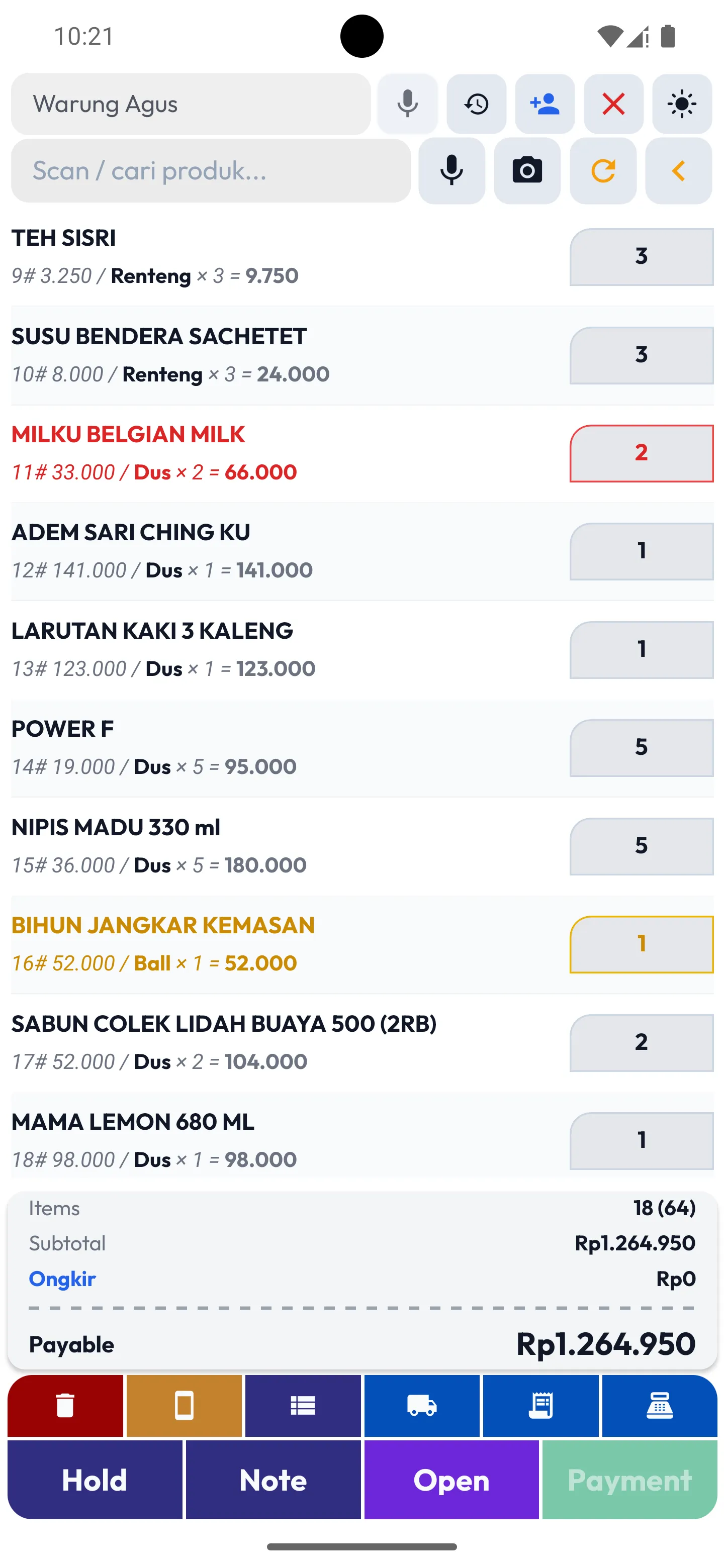
In the screenshot, there are two highlight colors:
Yellow warns that the selling price is below cost. If your cashier has permission to change
selling price or apply discounts, the app can flag items priced under cost.
Red warns that stock is empty or the quantity exceeds available stock.
This kind of indicator helps reduce losses caused by selling below cost—especially during busy hours.
MAXsi POS is designed to make stock reconciliation easier and faster. When you find differences, you can correct them with adjustments. In real grocery operations, achieving perfect “match” between physical stock and system stock is hard—this workflow helps you keep it under control.
Features that Matter for Grocery & Mini Market Stores
Fast Checkout
Daily transactions are recorded neatly and easy to review.
Automatic Stock
Stock reduces automatically on each sale to keep inventory accurate.
Simple Reports
Monitor sales summaries for daily/weekly evaluation.
Printed Receipts
Print receipts using affordable classic Bluetooth printers.
Multi User
Works for owners and cashiers with organized access.
Flexible Access
Monitor from your phone or a browser when needed.
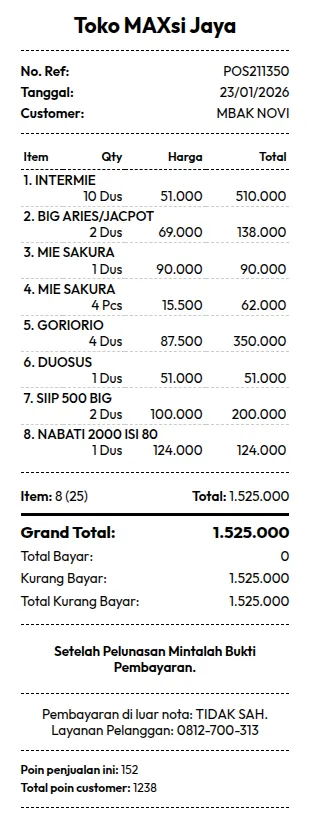
Receipts matter. Manual handwritten notes can be manipulated. When your team gets used to printed receipts, it becomes much harder to cheat. Many stores also print a short disclaimer, such as: “Payments outside the receipt are not valid.”
New businesses often think printers are expensive. The good news: MAXsi POS supports classic Bluetooth printers, so you can start with affordable devices.
How to Start (Without Disrupting Operations)
- Download the app and create your store (store name & basic info).
- Add products gradually (you don’t need to do everything in one day).
- Record purchases based on your current stock needs.
- Run sales in the cashier screen.
- At the end of the day, review the sales summary to confirm cash and transactions match.
Starting a grocery POS can feel heavy because you may need to input many products. If you want, we can provide a grocery product dataset to help you start faster—usually you still need to adjust costs and selling prices. Once your catalog is set, daily operations become much smoother: you can focus on growing sales and profit without manual stock notes.
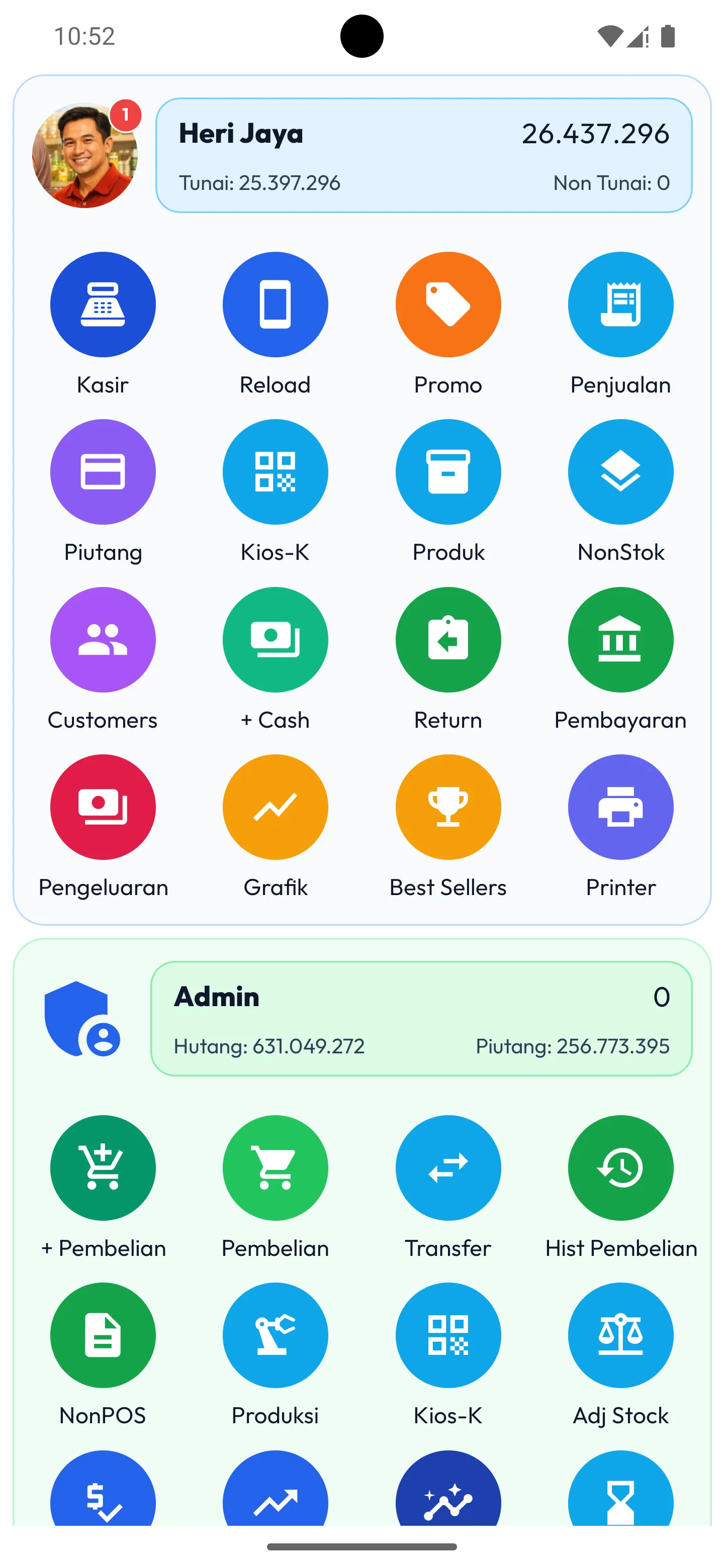
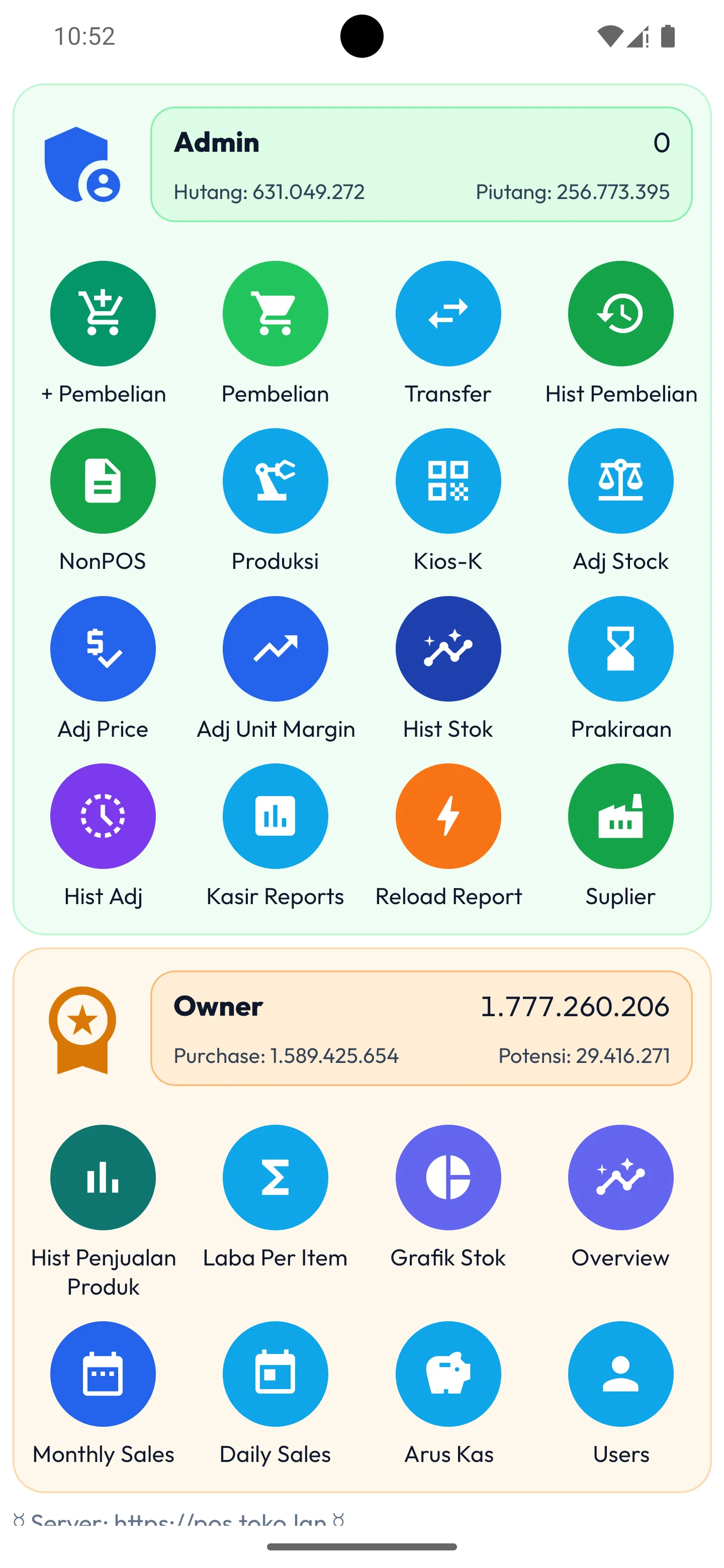
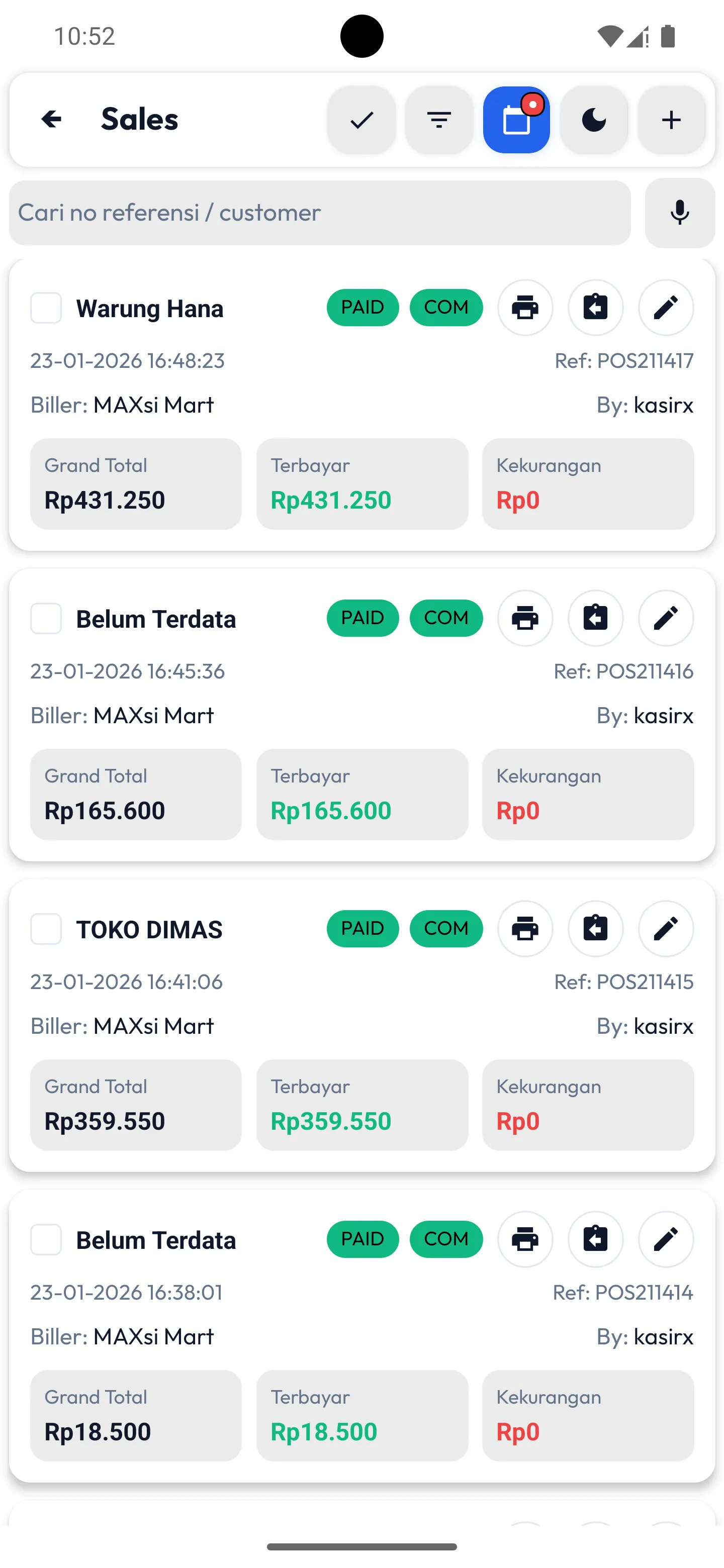
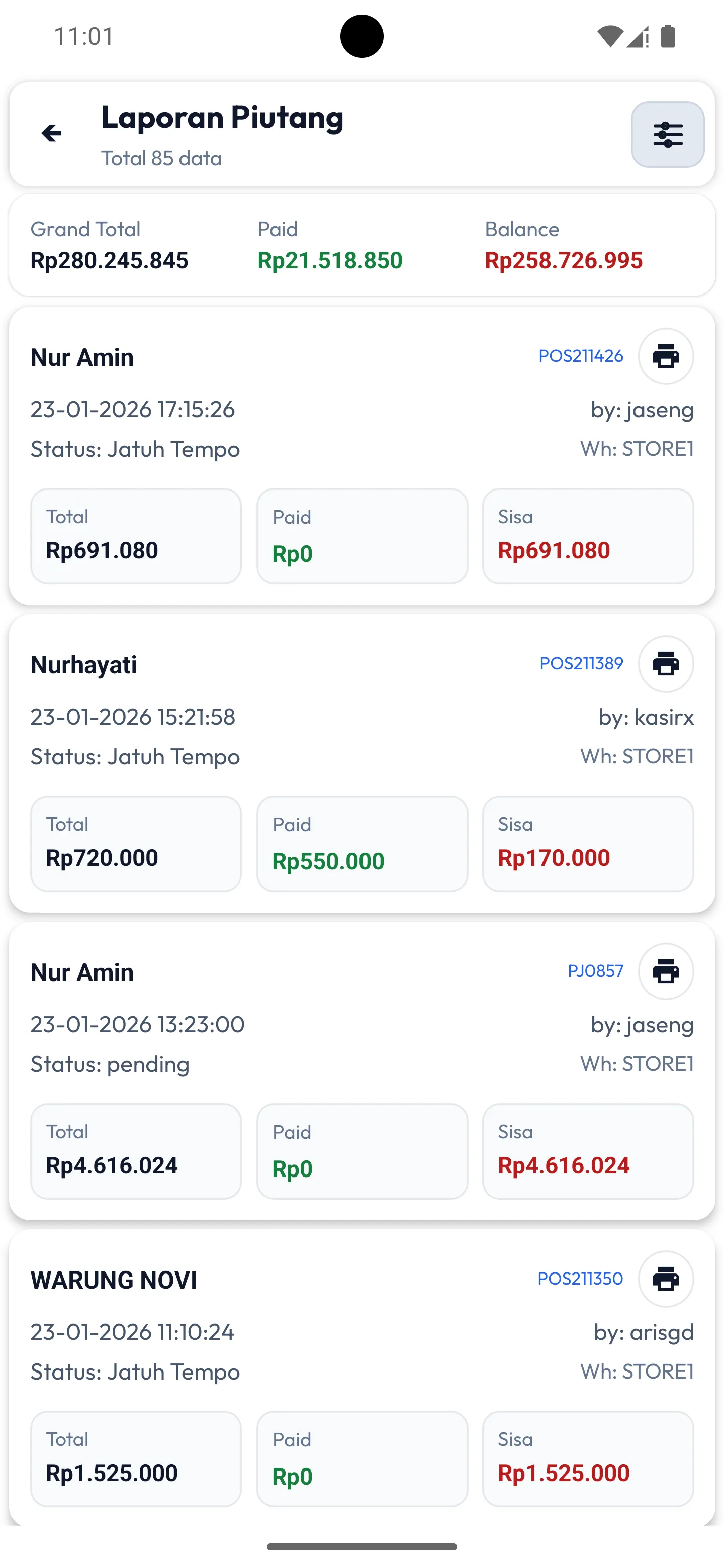
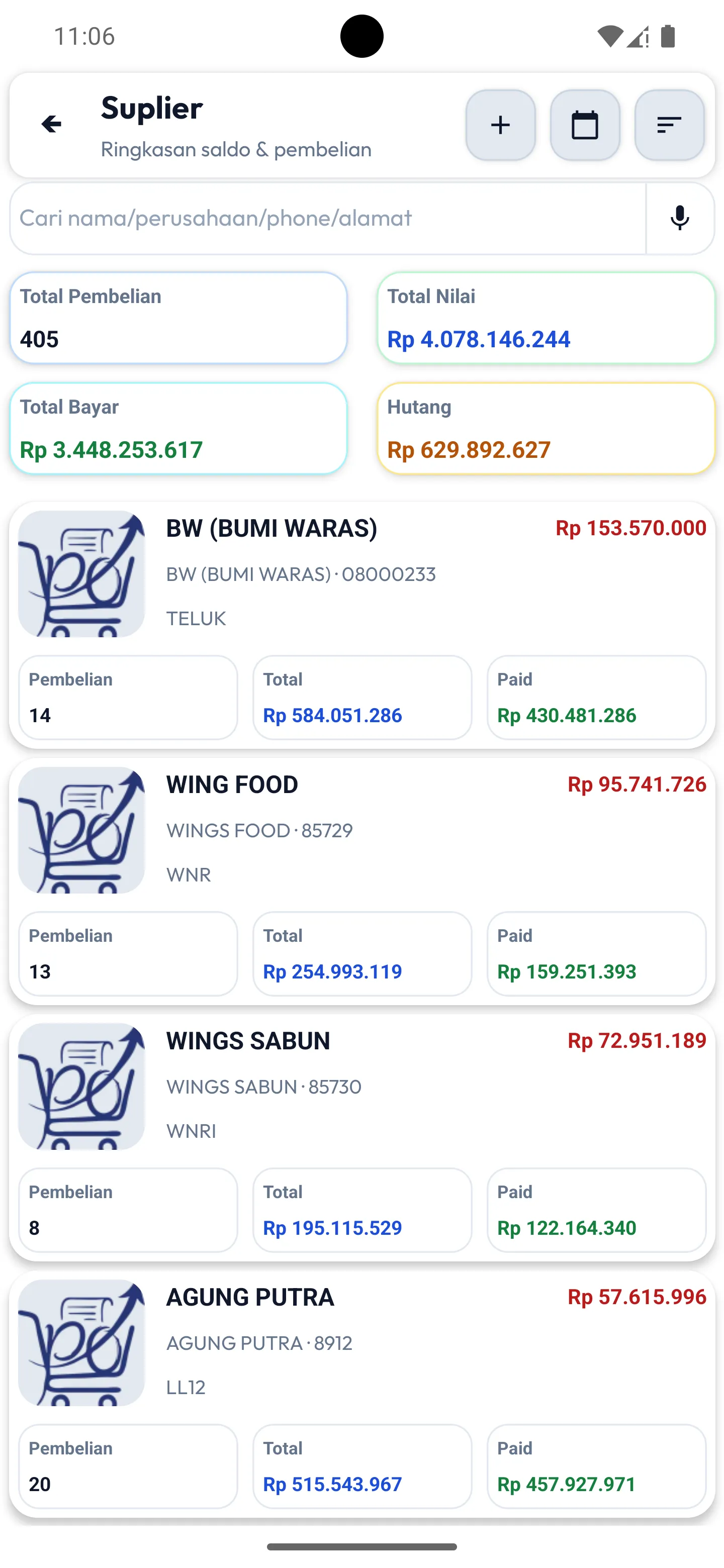
Grocery & Mini Market POS Screenshots
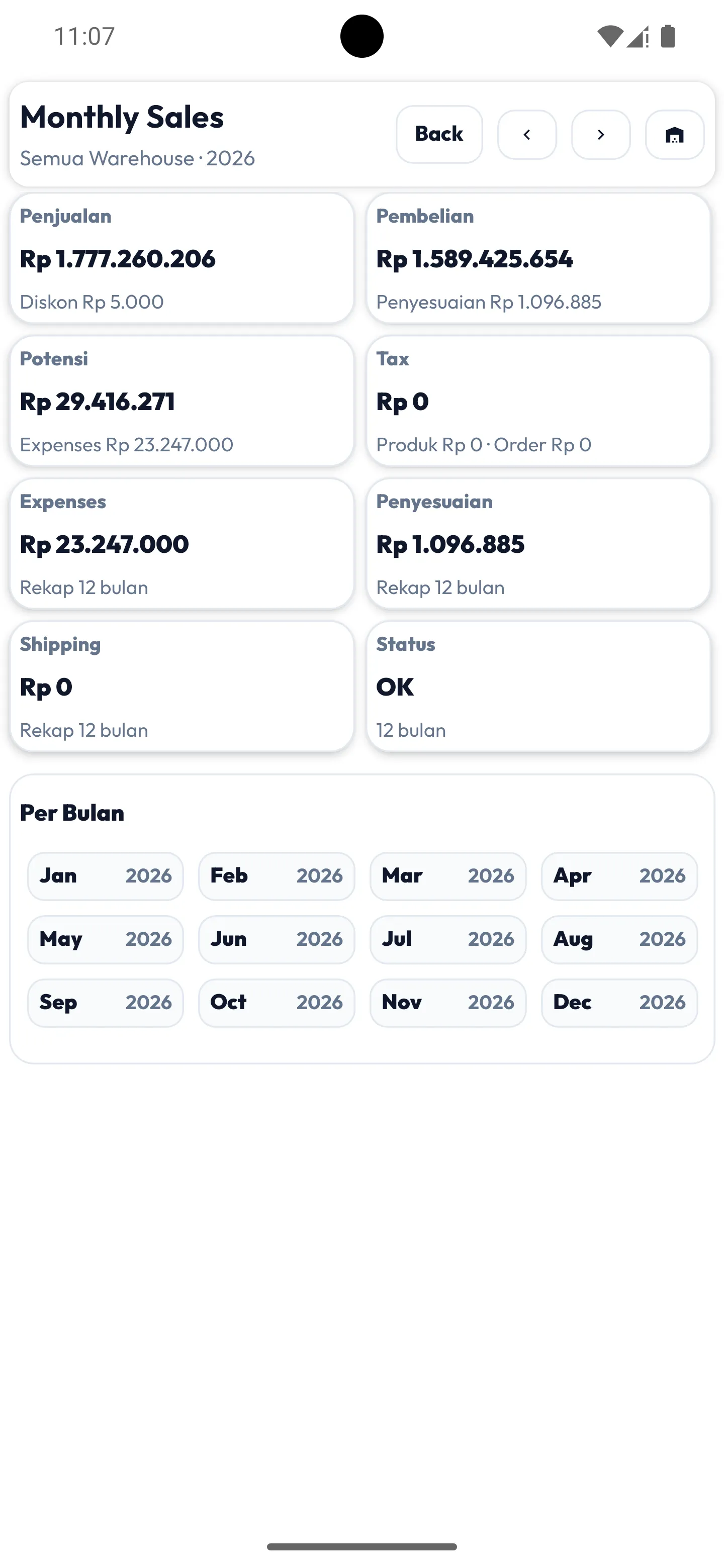
Screenshots to help you imagine the workflow for cashier, stock, and reports.
Benefits for Grocery Stores & Mini Markets
Using MAXsi POS in a grocery or mini market gives you practical benefits you can feel day-to-day. With a digital cashier system, sales are recorded automatically so owners don’t need manual notes or memory-based tracking.
One of the biggest benefits is better stock control. Every sale reduces stock automatically, so you can see which items are running low and need restocking—very useful for fast-moving goods.
A POS system also helps reduce mistakes and cash discrepancies. All income is recorded neatly (cash and non-cash), so you can reconcile cash against daily sales reports.
Owners can also view sales reports and profit & loss without manual calculation. This helps you understand profitability, identify best-selling items, plan restocking, and track payables/receivables more clearly.
With a POS system, store work becomes faster, cleaner, and more consistent—so you can focus on customers and growth instead of paperwork.
Key Strengths of MAXsi POS for Mini Markets
In addition to the basics above, MAXsi POS supports features that are often essential for mini markets:
- Digital products / PPOB
- Cash withdrawal transactions
- Non-stock products
- Cash register opening balance
For digital products/PPOB, MAXsi POS can integrate with “MAXsi Reload” or other providers, depending on your setup.
Cash withdrawal is tricky in POS because the cashier’s cash-on-hand should reduce based on the withdrawal amount (excluding admin/fee). MAXsi POS supports this so cash accounting stays clear.
Cash handling can also be tracked by cash vs transfer, so the final “cash drawer” amount is easier to verify.
If you have more questions, feel free to reach out—MAXsi team can help with setup and operational flow.
Frequently Asked Questions
Is MAXsi POS suitable for a small grocery store?
Yes. You can start from an Android phone, keep checkout fast, and maintain clean sales records.
Can it handle a mini market with many items?
Yes. You can add products and stock gradually based on your store’s operational rhythm.
Can it work offline without internet?
No. You need an internet connection to use MAXsi POS.
How is store data stored?
Your data is stored in the cloud with a dedicated database, so the service is designed to be premium and reliable.
Can I manage multiple branches?
Yes. You can add branches as needed. Additional locations may require an extra service fee.
Can I access it from multiple phones?
Yes. There is no device limit—you can log in from multiple devices at the same time, from anywhere, with no additional charge.
What if I need help during setup?
MAXsi team can help during onboarding, from store setup to transaction flow.
Ready to use MAXsi POS for your grocery store or mini market?
Start simple: keep transactions clean, control stock, then monitor reports more easily.